Short answer: if customers can search for your business, a website you own is the place where you control the message, the prices and the next step. Social pages and marketplaces help, but they rent your space and change their rules without notice.
What a website does that social media does not
- It is your digital address. A domain you own stays with you when a platform changes its features or closes an account. See our note on your website as your digital address.
- It answers questions in order. What you do, who you serve, what it costs to start, how to contact you, and what to expect next.
- It builds trust before the first call. Visitors check reviews, proof of work and contact details before they reach out.
- It can be found by search engines and AI assistants. A clear page with your business name, location and services gives search results and AI answers something accurate to show.
Who needs a website, by industry
Individuals and professionals (consultants, freelancers, designers): a personal site works as a home base. Clients search your name before they hire you.
Companies and agencies: a company site is often the first proof of credibility a buyer sees. It should show services, the team, case studies and a clear way to start a project.
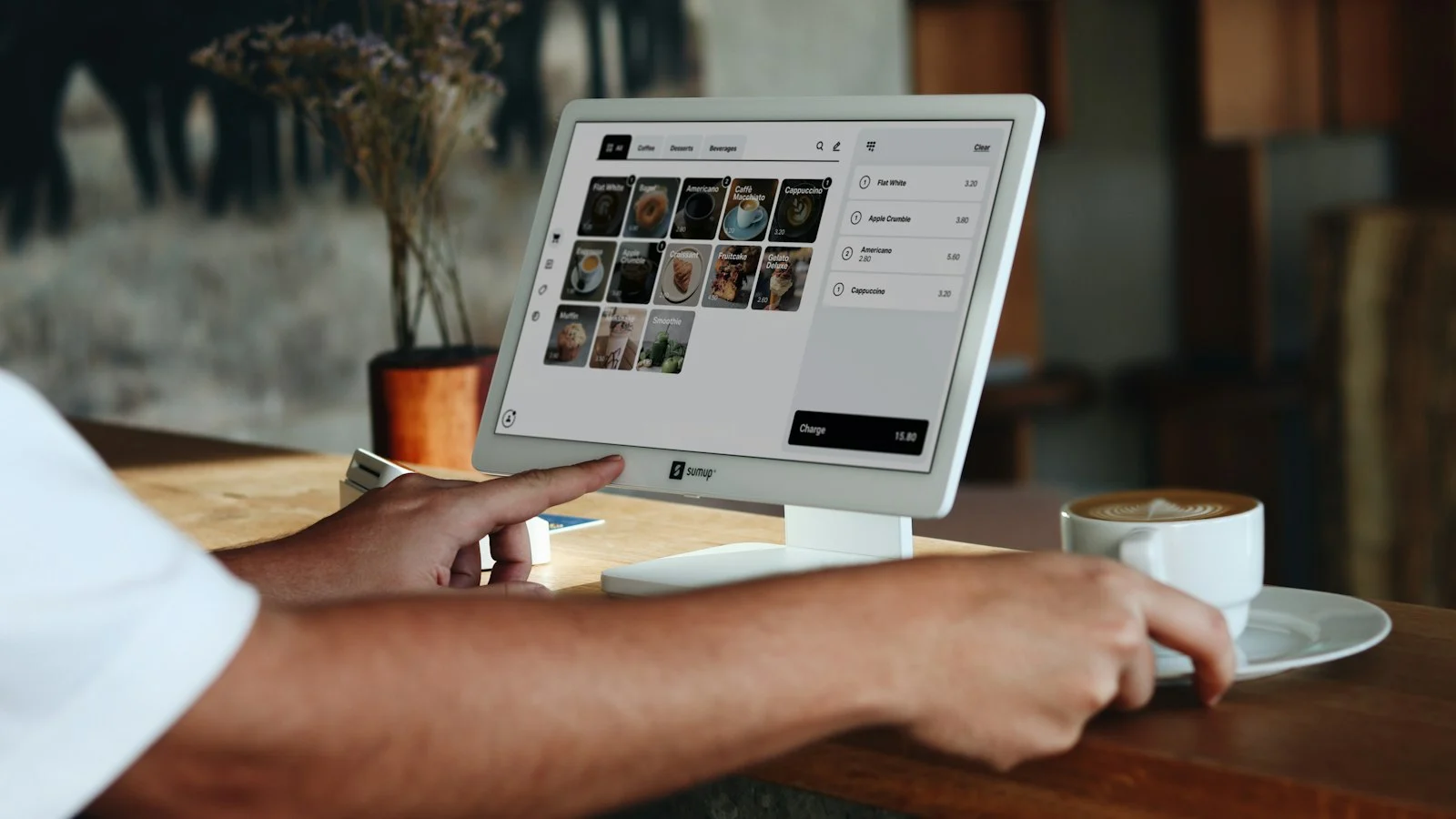
Restaurants and cafés: a site holds the menu, hours, location and reservations. Delivery apps are useful, but they take a commission on each order. Read why restaurants still need their own website.
Lawyers and law firms: clients research quietly before a sensitive call. The site should show practice areas and process. Advertising rules for lawyers vary by country and state, so check them before you publish.
Clinics, doctors and hospitals: patients compare providers, check services and book appointments online. Health data rules apply, such as HIPAA in the United States and GDPR in Germany and the United Kingdom.
Hotels and tour operators: booking through your own site avoids the commission charged by booking platforms on each reservation, though you should still keep those channels where they bring guests.
What a website returns, and how to measure it
A website’s return is easiest to judge by counting the actions it causes: calls, form submissions, bookings, orders and quote requests, each traced to a source. Compare that count with what the website costs each year, including hosting, the domain and maintenance. Our guide on how to measure the ROI of your website shows the method.
The first pages to build
- Home: what you do and who you serve, in one screen.
- Services: one section per service, with what is included and how to start.
- About: who is behind the business, with real experience and location.
- Proof: case studies, reviews you can verify and client work.
- Contact: a phone number, a form and a clear response time.
Signs your business already needs a website
Many owners wait until a competitor launches a polished site. A better test is to look at what is already happening in your sales process. If any of the following sound familiar, a website will save you time quickly:
- You answer the same questions every day. Prices, opening hours, delivery areas, required documents. A services page with clear answers removes most of these messages.
- People ask for “something to look at” before they decide. Corporate buyers, landlords and clinic patients often want a link they can forward to a partner or manager.
- You depend on one platform for leads. If a single Instagram account, Facebook page or marketplace brings most of your customers, a suspended account or algorithm change can stop sales overnight.
- You run ads but send traffic to a profile. Paid traffic converts better when it lands on a page built for one offer, with one call to action and a way to measure the result.
- Your name is searched, but the results are not yours. Search your business name in Google. If the first results are directories, old listings or a competitor, you are not controlling your first impression.
Website, social page or marketplace: how they compare
| Question | Own website | Social page | Marketplace or booking app |
|---|---|---|---|
| Who controls the rules? | You | The platform | The platform |
| Commission per sale | None (only payment fees) | None, but reach is limited | Usually charged on every order or booking |
| Found in Google search | Yes, with good pages | Partly | The marketplace ranks, not you |
| Customer data and follow-up | Yours | Limited | Mostly kept by the platform |
| Best use | Trust, details, conversion | Discovery and community | Extra demand |
The practical answer is not “either or”. Keep the channels that bring customers, and use the website as the place they all point to. See website vs social media for a longer comparison.
What a first website usually costs to run
A small business site has three running costs: the domain name (renewed yearly), hosting (monthly or yearly), and maintenance, which covers updates, backups and security fixes. A platform like WordPress is free software, but themes, plugins and professional setup are not. Budget for maintenance from day one; an unmaintained site becomes slow and vulnerable, which damages the trust it was built to create. Google’s own SEO Starter Guide is a good free reference for what a basic site needs to be found.
Common mistakes with a first website
- Writing about the company history before saying what you sell.
- Hiding prices or “starting from” ranges when customers expect them.
- Using a contact form with no phone number, WhatsApp link or response time.
- Launching without testing on a mid-range phone over mobile data, where most visitors will see it.
- Forgetting to connect Google Business Profile and analytics, so nobody knows which page brings enquiries.
A simple 30-day launch plan
- Week 1: write down your services, prices or ranges, the top ten customer questions and your best three pieces of proof.
- Week 2: build the five core pages and connect a domain with an email address on it.
- Week 3: test every form and button on mobile, set up analytics and link the site from your social profiles and Google Business Profile.
- Week 4: ask five recent customers for a review, publish one useful article that answers a frequent question, and check which page gets the most visits.
Frequently asked questions
Can I start with a one-page site? Yes. A clear single page with services, proof and contact is a valid start, and you can add pages as the business grows.
Is a website enough without social media? A website is the base. Social channels bring people in, and the website turns them into customers.
Does a website help me appear in AI answers? It helps when the pages are clear, accurate and up to date. AI systems use the same signals as search: named entities, clear services and consistent contact details.
How long does a basic business website take to build? A clear five-page site can be ready in two to four weeks when the content, photos and prices are prepared in advance. Delays usually come from missing content, not from the technical work.
Should I build it myself or hire someone? A site builder is fine for testing an idea. Hire a developer when you need custom features, bookings, payments, or a site that must load fast and rank well. If you want a second opinion, get in touch.