

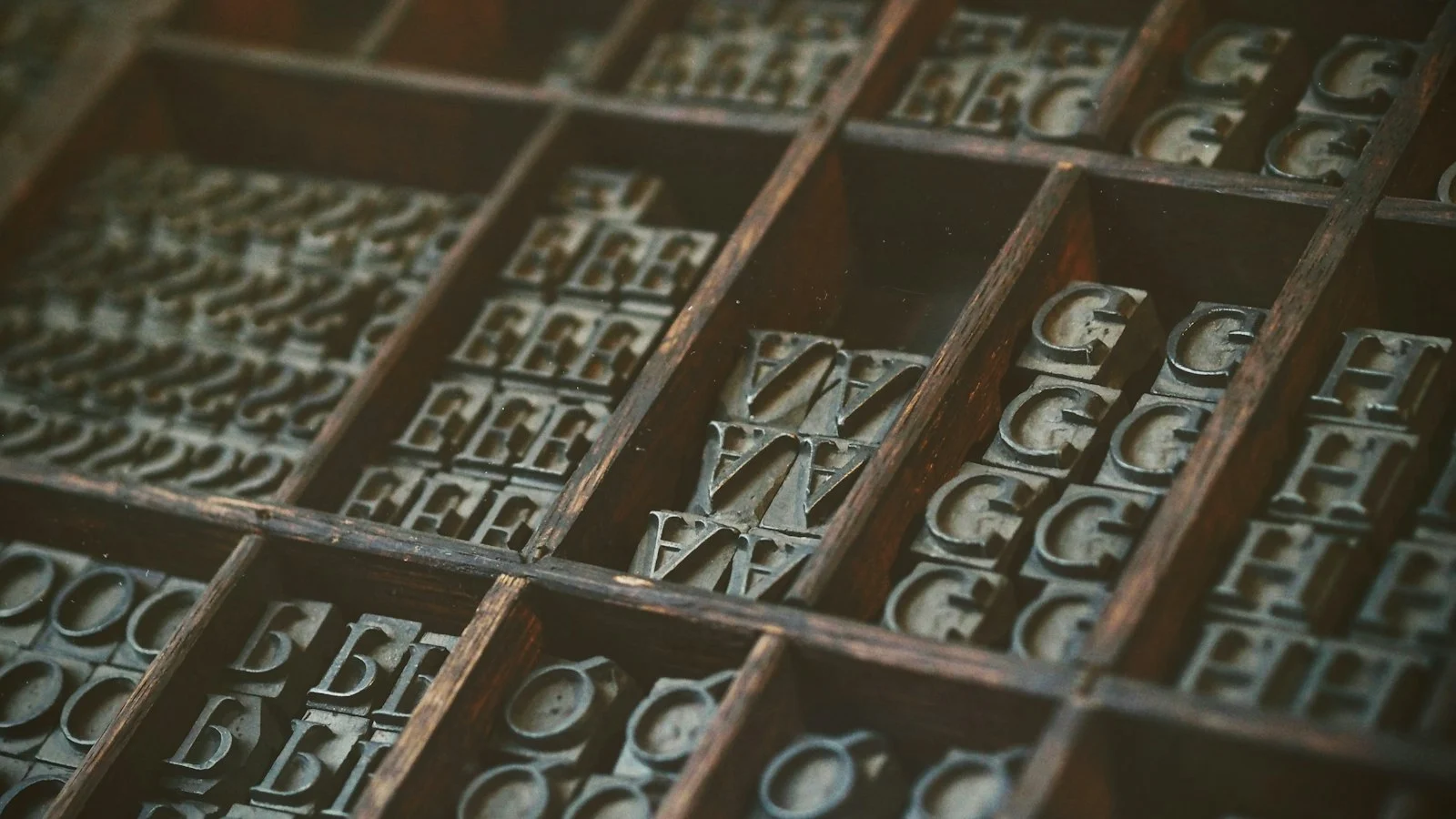
To self-host Google Fonts in WordPress, download the WOFF2 files for only the families, weights and character subsets you use, upload them to your theme or child theme, declare them with @font-face using font-display: swap, preload the one or two fonts visible above the fold, and stop the theme and plugins from loading the copy from fonts.googleapis.com.
I moved my own site to self-hosted fonts and do the same on most client sites. Here is the process.
Why self-host Google Fonts?
Self-hosting removes connections to two extra domains (fonts.googleapis.com for the CSS and fonts.gstatic.com for the files), lets you control caching and preloading, and keeps visitor IP addresses from being sent to Google. Since browsers partitioned their caches, the old argument that “visitors already have Google Fonts cached” no longer applies.
Speed
With the Google-hosted version, the browser must fetch the HTML, discover the CSS link, connect to Google’s CSS domain, download the CSS, then connect to the font domain and download the files. Self-hosting turns that chain into requests on a connection already open to your own domain, and lets you preload the files.
Privacy
In January 2022, a regional court in Munich ruled that a website passing a visitor’s IP address to Google by embedding Google Fonts, without consent, violated the GDPR. Since then many European site owners self-host. If you serve European visitors, it is a sensible default; for legal specifics, ask a lawyer.
Step 1: decide what you actually need
Every weight and style is a separate file. Audit your design:
- Which families? Ideally one or two.
- Which weights? Often 400 and 700 are enough; perhaps 600 for headings.
- Italics? Only if the design really uses them.
- Which scripts? Latin, Latin-extended, Arabic? Load only the subsets your content needs.
Variable fonts can replace several static weights with one file, which is often smaller in total when you use three or more weights.
Step 2: download WOFF2 files
WOFF2 is supported by all modern browsers and is the most compressed web font format, so you rarely need anything else. Options:
- Download the family from Google Fonts and convert, or
- Use a helper tool that generates WOFF2 files and
@font-faceCSS for selected weights and subsets.
Check the font’s licence file; most Google Fonts use the SIL Open Font License or Apache License.
Step 3: add the files to your theme
Put them in your child theme, for example assets/fonts/, so theme updates do not remove them. Then declare:
@font-face {
  font-family: "Inter";
  src: url("../fonts/inter-latin-400.woff2") format("woff2");
  font-weight: 400;
  font-style: normal;
  font-display: swap;
  unicode-range: U+0000-00FF, U+0131, U+0152-0153, U+2000-206F;
}
@font-face {
  font-family: "Inter";
  src: url("../fonts/inter-latin-700.woff2") format("woff2");
  font-weight: 700;
  font-style: normal;
  font-display: swap;
}
unicode-range lets the browser download a subset only when the page contains those characters, which matters for bilingual Arabic and English sites.
Step 4: preload the critical fonts
Preload only fonts used in the first screen, typically the body font regular weight and maybe the heading weight:
add_action( 'wp_head', function () {
    printf(
        '<link rel="preload" href="%s" as="font" type="font/woff2" crossorigin>' . "n",
        esc_url( get_stylesheet_directory_uri() . '/assets/fonts/inter-latin-400.woff2' )
    );
}, 1 );
The crossorigin attribute is required for font preloads, even on the same domain, otherwise the browser downloads the font twice. Preloading too many fonts competes with your LCP image.
Step 5: remove the Google-hosted copies
This is the step people forget. Check the page source for fonts.googleapis.com and fonts.gstatic.com. Sources include:
- The theme’s typography settings (many themes have a “load fonts locally” option).
- Page builders’ global font settings.
- Plugins such as sliders, forms or maps that enqueue their own fonts.
Dequeue them by handle if no setting exists:
add_action( 'wp_enqueue_scripts', function () {
    wp_dequeue_style( 'some-plugin-google-fonts' );
}, 100 );
Remember to remove any preconnect hints to Google font domains once nothing loads from them.
Step 6: caching
Fonts rarely change, so serve them with long cache lifetimes (Cache-Control: public, max-age=31536000, immutable) and change the filename or version when you update them. Make sure your CDN respects these headers.
Reducing layout shift from font swaps
font-display: swap avoids invisible text but can cause a visible jump when the web font replaces the fallback, which affects CLS. Reduce it with:
- A fallback font with similar proportions.
size-adjust,ascent-overrideanddescent-overrideon a fallback@font-face, to match the metrics of your web font.
Arabic fonts
Arabic font files are usually larger because they contain more glyphs and contextual forms. Subset aggressively, load fewer weights, and test legibility on small screens. See the Arabic ecommerce checklist.
Checklist
- Families, weights and subsets reduced to what is used
- WOFF2 files in the child theme
@font-facewithfont-display: swap- One or two critical fonts preloaded with
crossorigin - No requests left to Google font domains
- Long cache headers on font files
- Fallback metrics tuned to limit layout shift
Common mistakes
- Self-hosting all eighteen weights “just in case.”
- Preloading fonts that are not used on the page.
- Leaving a plugin that still loads the Google-hosted version.
- Forgetting
crossoriginon preload.
Why the “shared cache” argument no longer applies
A common reason to keep using the Google Fonts CDN was that visitors might already have the font cached from another site. Modern browsers now partition their HTTP cache by site, so a font downloaded on one website is not reused on another (Chrome developers: HTTP cache partitioning). That removes the main performance benefit of the third-party CDN. Self-hosting avoids the extra connection to fonts.googleapis.com and fonts.gstatic.com, and puts the font files under your own caching rules.
Understanding font-display options
The font-display descriptor controls what the browser shows while a web font loads (MDN: font-display):
- swap: shows fallback text immediately and swaps when the font arrives. Good for readability, but can cause a visible jump.
- optional: uses the web font only if it arrives very quickly; otherwise keeps the fallback for that page view. Very stable layout, but some first visits will not show your brand font.
- fallback: a middle ground with a short block period and a limited swap window.
For body text on content sites, swap with well-matched fallback metrics is a sensible default. For decorative headings where layout stability matters most, optional is worth testing.
Matching fallback metrics
Layout shift from fonts happens because the fallback and the web font have different widths and line heights. CSS lets you adjust a local fallback font with descriptors such as size-adjust, ascent-override and descent-override, so it occupies nearly the same space as the web font (web.dev: Best practices for fonts). For example:
@font-face {
  font-family: "Inter Fallback";
  src: local("Arial");
  size-adjust: 107%;
  ascent-override: 90%;
}
body { font-family: "Inter", "Inter Fallback", sans-serif; }
The exact percentages depend on the font. Tools such as Fontaine or online fallback generators calculate them; check the result visually.
Bilingual sites: Arabic and Latin fonts together
Sites serving Egypt and the Gulf usually need one Arabic family and one Latin family. A few practical rules:
- Use the
unicode-rangedescriptor so the browser only downloads the Arabic file when Arabic characters appear, and the Latin file when Latin characters appear. - Load the Arabic font only on the Arabic version of the site if the English pages never use it. With WPML, you can enqueue styles conditionally based on the current language.
- Check the licence. Most Google Fonts use the SIL Open Font License, which allows self-hosting, but commercial Arabic fonts may have different web licensing terms.
- Arabic fonts are often larger files because of the number of glyphs. Limit weights to regular and bold unless the design really needs more.
Privacy considerations
Loading fonts from Google sends the visitor’s IP address to a third party. A German court ruled in 2022 that embedding Google Fonts this way without consent breached GDPR for a specific website. If you have European visitors or clients, self-hosting removes this question entirely. For local regulations in Egypt and Gulf countries, check with a legal advisor, but reducing unnecessary third-party requests is a good default.
Verifying the result
- Open DevTools, Network tab, filter by “Font”, and reload with cache disabled.
- Confirm all fonts load from your own domain and use WOFF2.
- Search the page source for
fonts.googleapis; some plugins and page builders add it separately. - Compare LCP and CLS in PageSpeed Insights before and after.
Frequently asked questions
Does Elementor have a setting for this?
Elementor offers an option to load Google Fonts locally in recent versions. Enable it, then still check the Network tab, because other plugins may load fonts too.
Should I use variable fonts?
If you need three or more weights, one variable font file can be smaller than several static files. For one or two weights, static files are usually lighter.
Need help speeding up your theme’s assets? Get in touch. Next: reducing Total Blocking Time.
Frequently asked questions
Is it legal to self-host Google Fonts?
Google Fonts are released under open licences, mostly the SIL Open Font License, which allows self-hosting. Check the licence of each font family you use.
Are self-hosted fonts faster than Google Fonts?
Usually, because the browser avoids connecting to additional domains, and modern browsers no longer share cached fonts between sites. The difference depends on your hosting and setup.
Does self-hosting help with GDPR?
Loading fonts from Google sends visitors' IP addresses to Google. A 2022 German court ruling found this problematic without consent, so many European sites self-host fonts. This is not legal advice.
What is font-display swap?
It tells the browser to show text immediately in a fallback font and swap to the web font when it loads, avoiding invisible text.


